What to put in an AI video ad brief
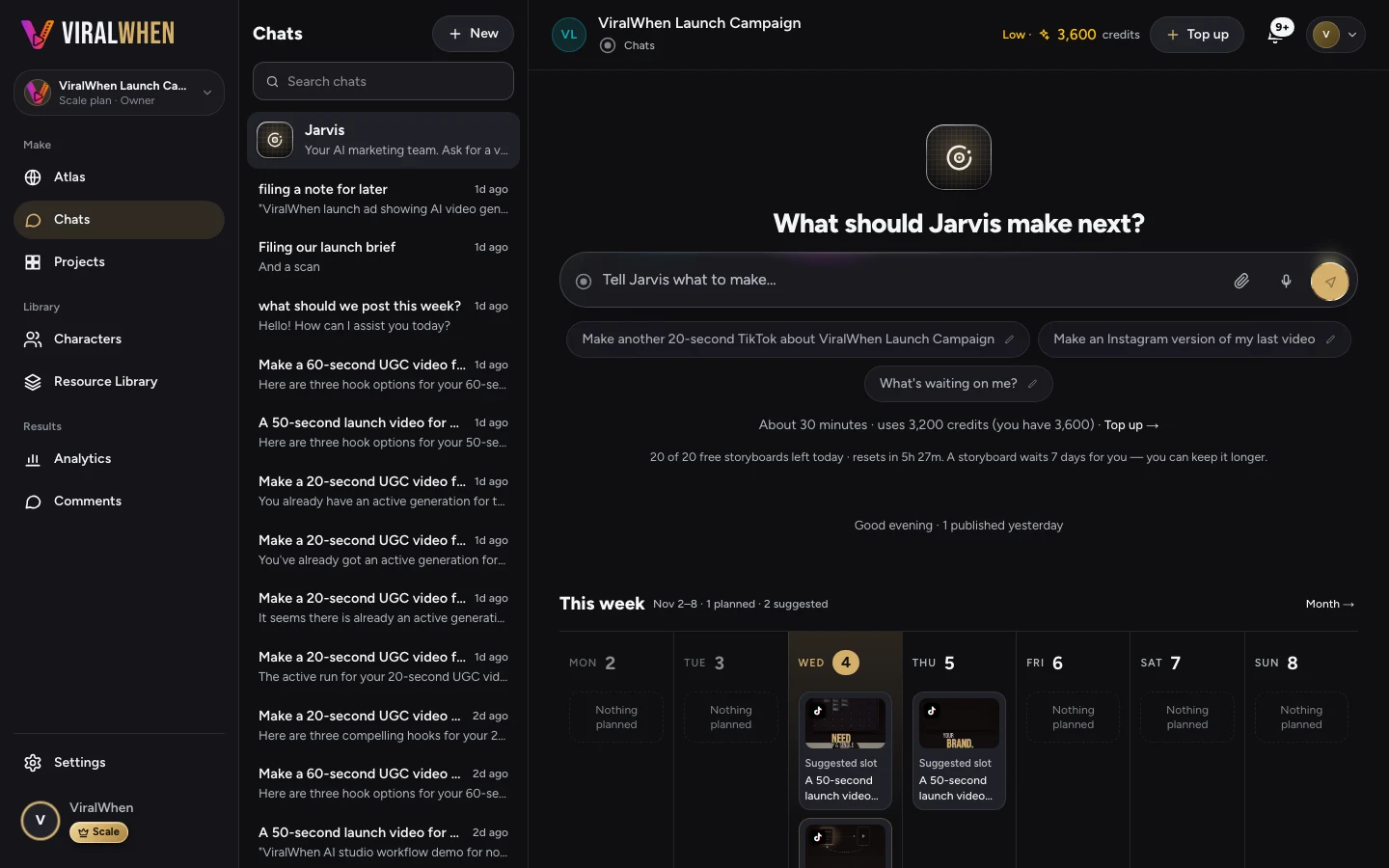
An AI video ad brief should name the audience, the product or offer, the reason to believe it and the action to take next. Attach the footage that supports the message, specify the tone and say which claims the AI must not invent.
Name the person and the moment
‘Everyone who likes coffee’ is too broad to direct an ad. ‘Someone buying a housewarming gift for a friend who makes coffee at home’ gives the creative a situation. That changes what should appear first: gift packaging may matter more than a technical description of the glaze.
Choose one buying situation for the brief. If you also want to reach café owners buying in bulk, write another brief. The products may be the same, but the reason to buy and the next action are different.
State what is for sale and what you can prove
Give the product’s actual name and the feature you want to highlight. Attach a clip that demonstrates that feature. If you want the ad to discuss gift packaging, show the packaging. If you want it to explain a service, show the work or provide the relevant facts.
Separate a fact from an ambition. ‘Comes in a gift box’ is something you can check. ‘The perfect gift everyone loves’ is a sweeping promise. Do not ask the AI to fill a gap with customer quotes, awards or sales figures that you have not supplied.
A brief you can adapt
Here is an illustrative brief for a fictional mug shop. Replace the details with your own facts before using it:
‘Make a vertical video ad for our handmade mugs. Audience: people choosing a housewarming gift. Offer: the mug collection, supplied in the gift box shown in the attached clip. Use the pouring clip to show the mug in use and the packaging clip for the gift angle. Tone: warm and direct. End with Browse the collection. Do not invent reviews, discounts, delivery dates or product claims.’
The brief makes the footage useful by giving each clip a job. It also tells the system where to stop guessing. Add a price only if it is current and appropriate for the campaign; otherwise keep it on the linked product page.
Review the idea before spending on production
When ViralWhen proposes the storyboard, check the offer and the way the product is represented. If the concept depends on footage you do not have, change it before production. A clear brief is cheaper to revise than an unsuitable finished performance.
Read the proposed opening and final action together. Does the opening attract the same person the offer is intended for? Does the ending tell that person what to do? An attention-grabbing line about a different problem is a distraction, even if it sounds clever.
- Check the audience and offer.
- Confirm that the selected footage supports the claims.
- Check the presenter, tone and pronunciation requirements.
- Review the displayed cost before approving production.
Limits: a detailed brief does not guarantee the result
The system can still interpret a request differently from you. Review the finished output, particularly product details, spoken names and captions. Asking for a specific tone is direction, not a guarantee of an exact performance.
This template helps you communicate the ad’s job. It does not establish market demand or predict campaign performance. Keep your claim evidence available and judge the result against what your business can actually deliver.
Give your next ad a starting point.
Your footage. Your business. A finished ad you can refine.
Keep making it better.
How to turn existing product footage into video ads
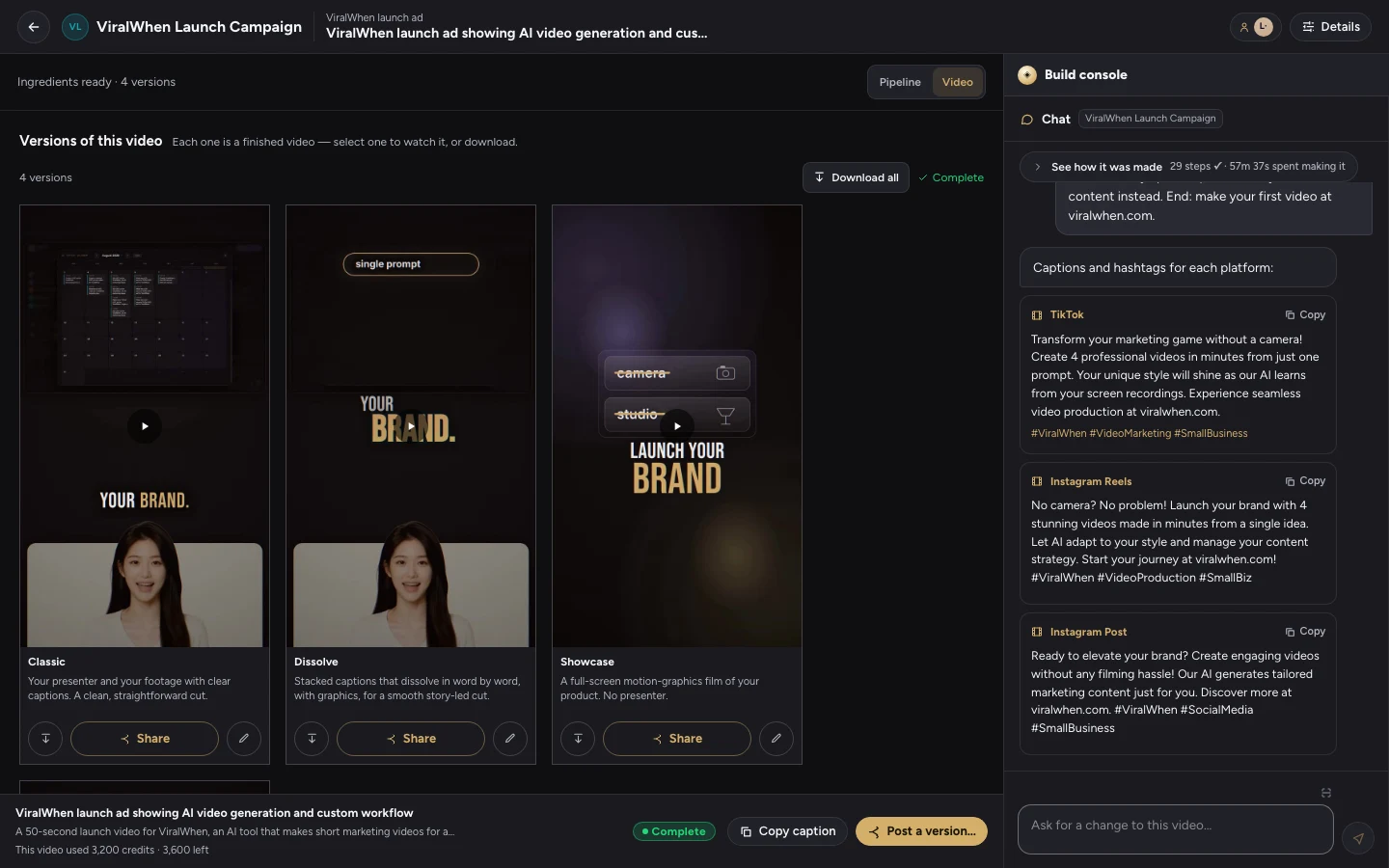
A practical workflow for turning your own clips into video ads: choose an offer, write a brief, review the versions and fix the details.
Read the article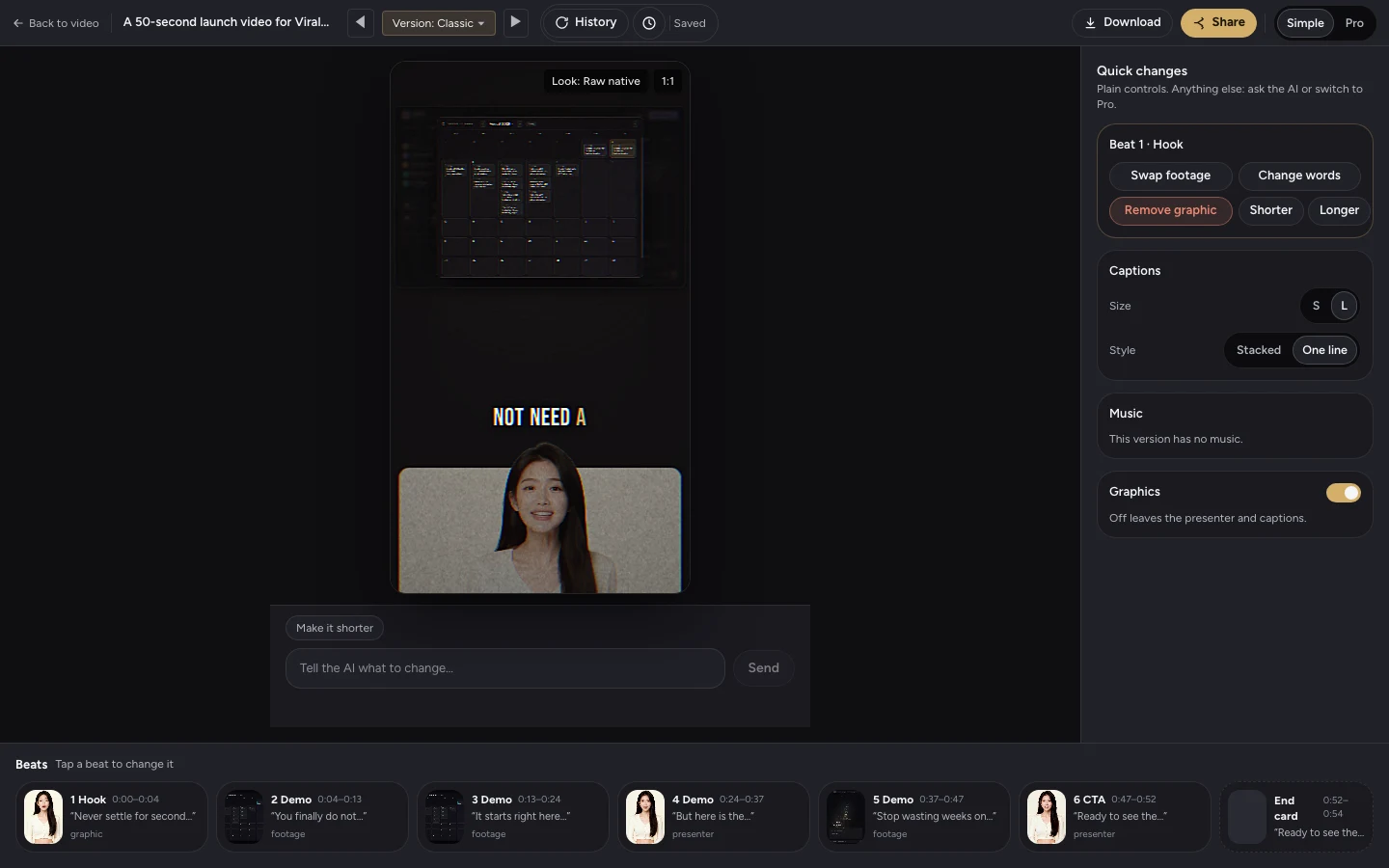
How to edit an AI video ad without starting over
A caption change and a new presenter take need different fixes. Learn what to edit in ViralWhen and when new generated material is needed.
Read the article