Set up ViralWhen once: reuse your assets and character
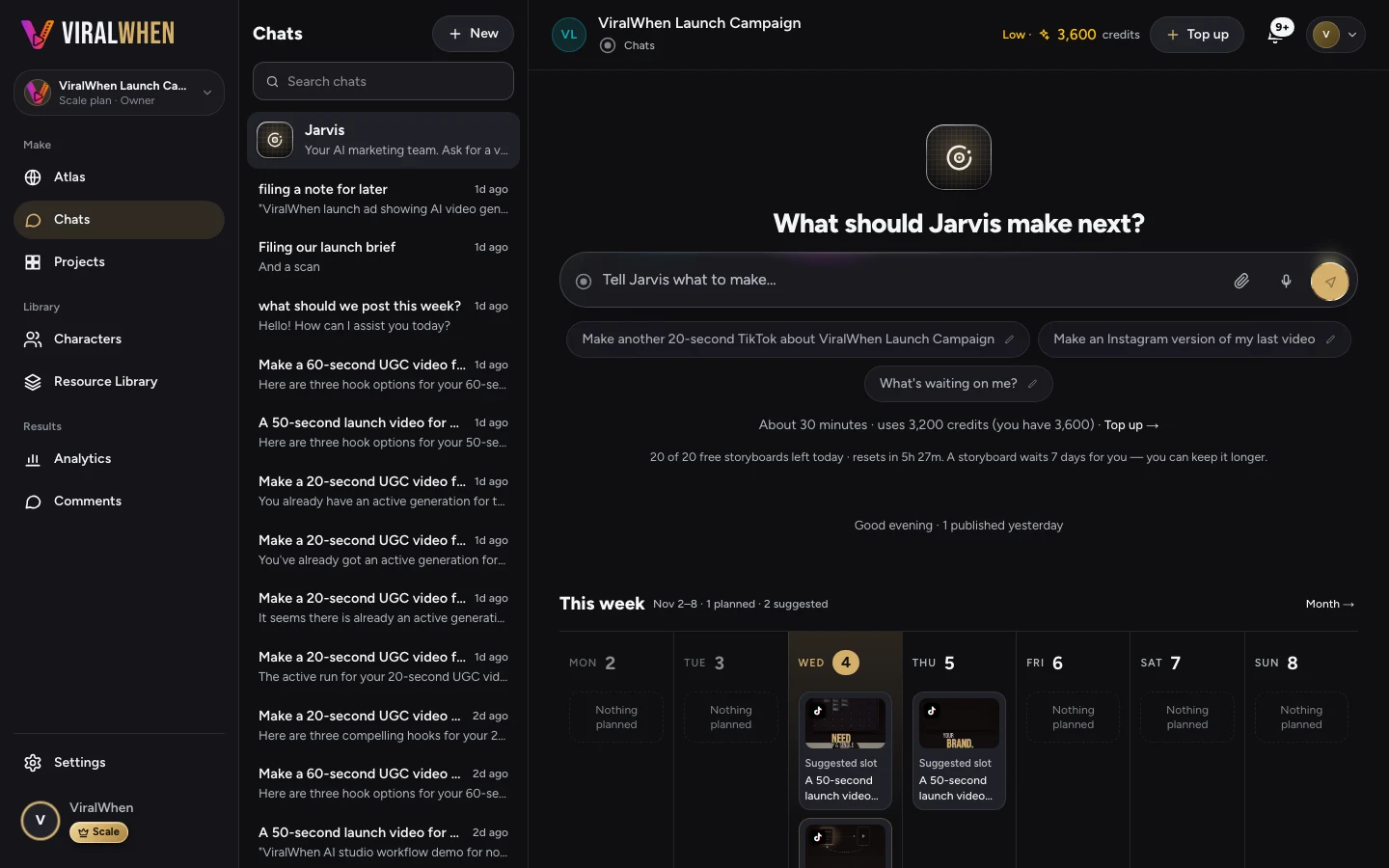
You do not need to upload the same footage or recreate your character for every video. Set up your business context, asset library and character sheet once, then reuse them in later requests. Add material or refresh the website understanding when something changes. Each new video still comes back to you for review and approval.
Do the groundwork once
Your next video may need a new idea, but it probably does not need a new copy of your logo. The same goes for a useful product demonstration or a character you already like. Keeping that material ready saves you from assembling the same starting point every time.
Begin with your website, the assets you have permission to use and a character sheet if you want a recurring presenter. Check that the business information is accurate before it becomes the basis for scripts.
- Give ViralWhen your website and check the business context it takes from it.
- Upload the footage, product images and other assets you want to work with.
- Create a character sheet for a presenter you want to reuse.
- Check the setup, then use it as the starting point for future requests.
For the next video, describe what has changed
Suppose you made a video introducing a mug collection. Next week, you want a gift-focused version. You can keep the same character and product footage, then give the new request a different audience and message. This is an illustrative example, not a customer result.
A useful request might be: ‘Plan videos for people choosing a housewarming gift. Use our existing mug footage and presenter. Focus on the gift box, and do not invent a discount.’ ViralWhen can handle the planning, scripts and generation within its supported workflow. You review the proposed work, approve production and check the finished videos.
Update the material when the business changes
Refresh the website understanding when your site changes in a way that matters to the videos: a new product, a different offer or an updated service. Check the refreshed context before relying on it. Keeping old information is convenient only while it is still correct.
Add footage when you need to show something the library does not contain. A new colour, package or product feature deserves current material. Reusing an old clip that shows the wrong item saves no useful work.
Your character sheet can stay in place until you want to change the character. Reusing it avoids repeating setup; it does not mean that every new performance will be identical.
Spend the next request on a better idea
A reusable setup leaves you more room to try a different opening, audience or creative treatment. Multiple versions give you options to compare without organising a separate shoot for each treatment.
Decide what you want to learn before testing them. If you change the offer, audience and opening together, it is harder to tell what made a difference. Keep the comparison useful, then let the available results inform the next request.
Limits: reusable does not mean free or automatic
Reusing assets and a character sheet does not make future generation free. Check the displayed cost before approving paid production. New performances or missing shots may require new generated material or uploads.
You remain responsible for permissions, current facts and the final approval. Website understanding can miss details, and an existing asset can become outdated. Review each finished video before using it, even when the setup has worked well before.
Give your next ad a starting point.
Your footage. Your business. A finished ad you can refine.
Keep making it better.
Introduction to ViralWhen
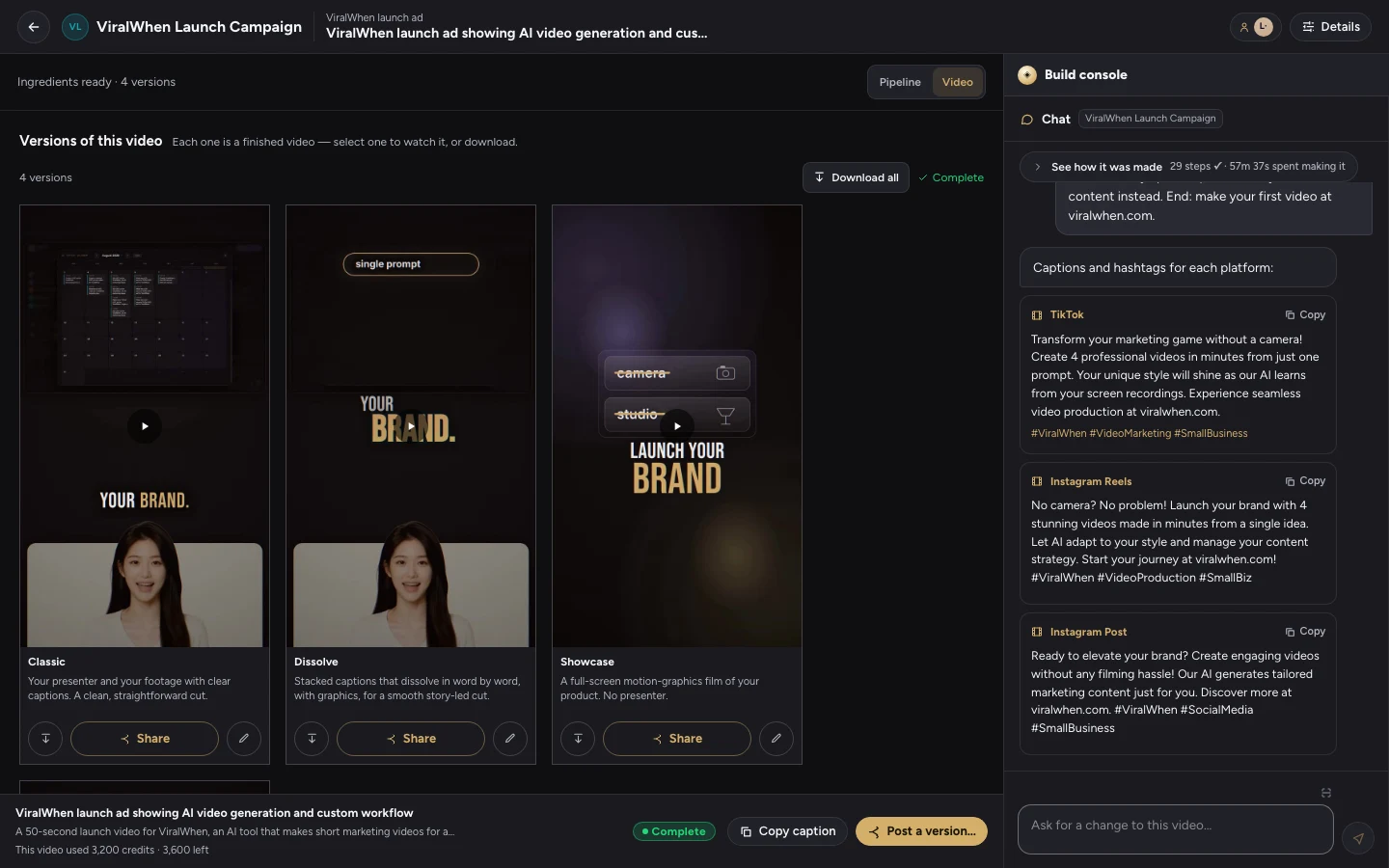
Set up once. Give ViralWhen a prompt. Get multiple videos and creative versions, review the results, and learn what earns your audience’s attention.
Read the articleHow to turn existing product footage into video ads
A practical workflow for turning your own clips into video ads: choose an offer, write a brief, review the versions and fix the details.
Read the articleWhat to put in an AI video ad brief
Give your video ad a clear audience, offer, evidence and next step. Use this worked brief to reduce guesswork before you generate.
Read the article